The Importance of Web Vitals for SEO and User Experience
Understanding how Core Web Vitals impact your search rankings and user satisfaction, plus practical strategies to optimize your website's performance.

Google introduced Core Web Vitals as ranking signals in 2021, and they’ve become progressively more significant since. The December 2025 core update reinforced their importance, with sites passing all three vitals seeing measurably better positions in competitive SERPs. If you haven’t looked at your scores recently, it’s worth doing. The thresholds have tightened and the metrics themselves have changed.
The Three Core Web Vitals
Core Web Vitals measure three aspects of how users actually experience your site: how fast the main content loads, how quickly the page responds to interaction, and how visually stable it is while loading.
Largest Contentful Paint (LCP) measures how long it takes for the largest visible element (typically a hero image or main heading) to fully load. The target is 2.5 seconds or faster, though some sources indicate Google tightened this to 2.0 seconds in the March 2026 core update.
Interaction to Next Paint (INP) replaced First Input Delay (FID) in March 2024 and is now the standard responsiveness metric. Where FID only measured the delay on the very first user interaction, INP measures responsiveness across the entire page session: every click, tap, and keystroke. The target is 200ms or less. This is a meaningful shift: you can no longer optimise just the initial load and assume responsiveness is covered. Heavy filters, chat widgets, personalisation scripts, and form logic all show up clearly in INP scores.
Cumulative Layout Shift (CLS) measures visual stability, specifically how much visible content moves unexpectedly during and after load. The target is 0.1 or less. Unexpected layout shifts are one of the more frustrating user experiences, and they’re often caused by images without specified dimensions, late-loading ads, or dynamically injected content.
It’s worth noting that according to the 2025 Web Almanac, only 48% of mobile pages and 56% of desktop pages pass all three Core Web Vitals, meaning more than half the web is still failing on mobile.
How They Affect SEO
Core Web Vitals are not the dominant ranking factor; content quality and relevance still matter far more. But analysis of affected sites showed that pages with LCP above 3 seconds experienced 23% more traffic loss than faster competitors with similar content. They act as a quality tiebreaker when content is otherwise comparable, and in competitive niches that tiebreaker matters.
Scoring is based on real user data from the Chrome UX Report, measured at the 75th percentile over a rolling 28-day window. This is an important distinction: a strong Lighthouse score in a lab test doesn’t guarantee good field data. PageSpeed Insights may show 95+ while Search Console shows “Poor” for real users, because lab tests use fast connections and clean browsers, not the range of devices and network conditions your actual visitors use.
Why Performance Matters Beyond Rankings
The SEO argument for Web Vitals is real, but the business case is arguably stronger.
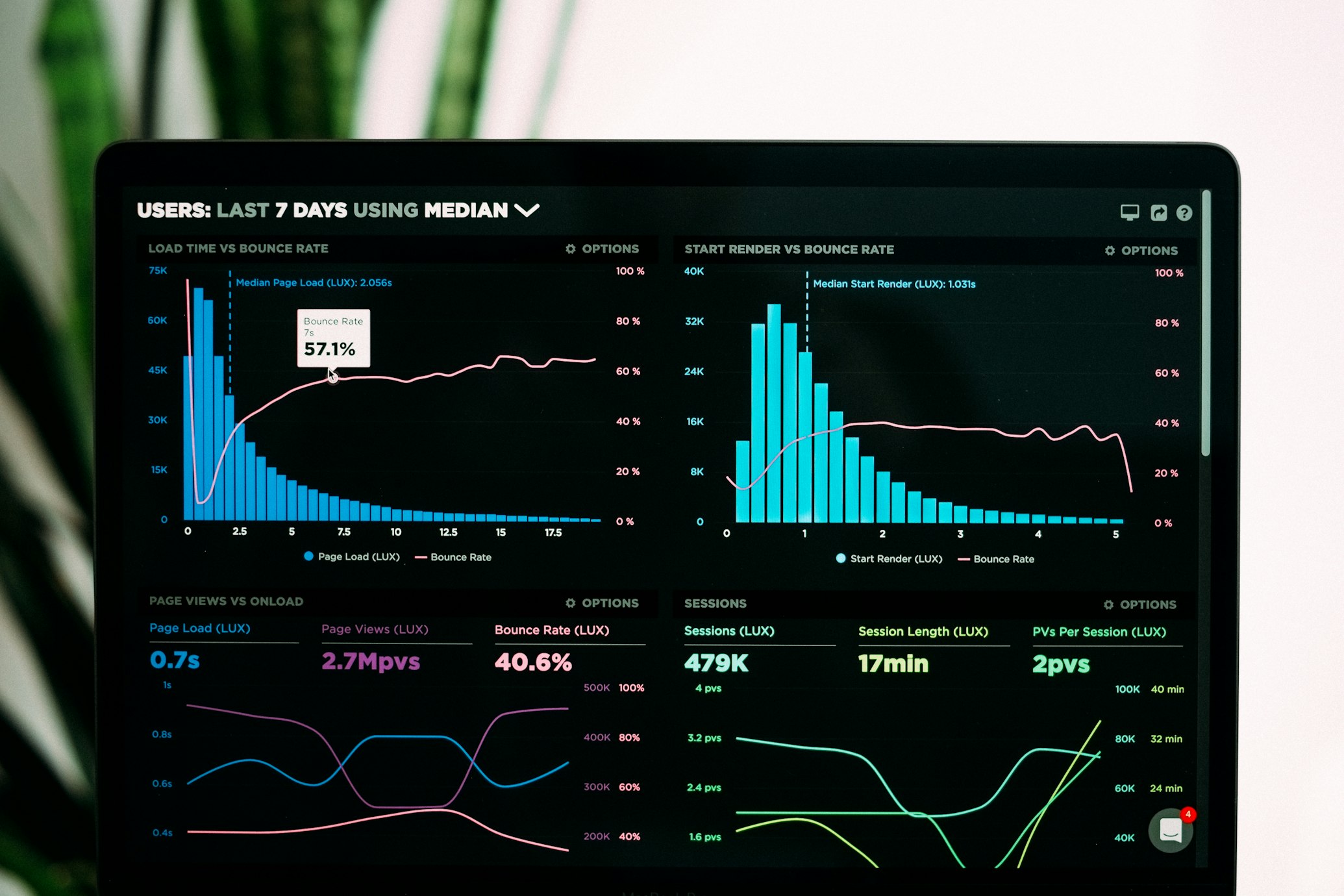
A one-second delay in load time can reduce conversions by around 7%. At three seconds, bounce rates increase by roughly 32%. Amazon famously found that every 100ms of delay cost them 1% in sales. For e-commerce and lead generation sites, these aren’t abstract statistics; they translate directly to lost revenue.
Fast, stable, responsive pages also reduce bounce rates, increase dwell time, and improve conversion rates, all of which create a positive feedback loop for both performance and rankings.
How to Measure Your Vitals
Google Search Console is the most important starting point. The Core Web Vitals report shows field data for your actual URLs, grouped by Good, Needs Improvement, and Poor. This is real user data, not a lab simulation.
PageSpeed Insights provides both lab and field data for specific URLs and surfaces specific optimisation suggestions. Use it to understand what’s driving a poor score once Search Console has flagged a problem.
Chrome DevTools (Performance tab) is the right tool for deep debugging, particularly useful for diagnosing INP issues and identifying long tasks on JavaScript-heavy pages.
Third-party tools like GTmetrix and WebPageTest provide detailed waterfall charts and additional context, and can be useful for testing before changes are reflected in field data.
Improving LCP
LCP is typically driven by server response time, how efficiently the largest element is delivered, and what’s blocking the render path.
The highest-impact changes are usually: moving to faster hosting or adding a CDN, compressing and converting images to modern formats (WebP or AVIF), preloading the LCP element so the browser prioritises it, and removing render-blocking CSS or JavaScript that delays when the page can start painting.
For most sites, the LCP element is an image. Making sure that image is properly sized, compressed, and not lazy-loaded (lazy loading is counterproductive for above-the-fold content) tends to move the needle quickly.
Improving INP
INP is the trickiest of the three to diagnose because it requires profiling actual user interactions rather than a single page load. Heavy JavaScript is usually the root cause: long tasks that block the main thread and prevent the browser from responding promptly to input.
Effective approaches include breaking up long-running tasks into smaller chunks, deferring or removing unused JavaScript, loading third-party scripts asynchronously, and auditing any heavy widgets (video embeds, chat tools, personalisation scripts) to see whether they can be loaded on demand rather than upfront.
If your site has complex filtering, form logic, or interactive features, those are the areas most likely to show up in INP data.
Improving CLS
CLS problems are usually straightforward to identify but easy to overlook during development, where pages load on fast connections with resources already cached.
The most common causes are images and videos without explicit width and height attributes, ads or embeds that push content down when they load, and web fonts that cause text to reflow as they replace fallback fonts. Fixing these is often simple: add size attributes to media, reserve space for dynamic content, and use font-display: swap with matched fallback metrics to minimise font-related shifts.
Maintaining Performance Over Time
Web Vitals aren’t a one-time fix. As sites grow and accumulate third-party scripts, new features, and heavier content, performance tends to degrade quietly. Setting up real user monitoring (RUM) to track field data continuously, establishing performance budgets in your build process, and including performance in code review are all worthwhile practices for teams that want to stay ahead of regressions rather than react to them.
What’s Coming
Google introduced two additional metrics in 2026, Visual Stability Index (VSI) and one other, that are not yet primary ranking signals but will influence future scoring. VSI extends CLS’s concept beyond page load to the entire visit. It’s worth monitoring these now, before they become ranking factors.
The broader direction is clear: Google is moving toward measuring real-world user experience more comprehensively, on the devices and network conditions most users actually have. The gap between a good lab score and good field data will continue to close as an excuse.
The Bottom Line
Core Web Vitals represent something straightforward: does your site feel fast and stable to the people using it? The SEO implications are real, but the more compelling reason to invest in performance is that slow, unstable sites lose users, and the data on that is consistent across every industry.
Start with Search Console to understand where you stand, prioritise the URLs driving the most traffic or revenue, and work through the highest-impact fixes first. Performance improvement is rarely glamorous, but it compounds. A fast site is a genuine competitive advantage in any market where your competitors haven’t prioritised it.